There are 2 different start up procedures, depending on the current state of your system.
- Prerequisites
- Starting up the system if it is still connected to Ethernet and power
- Starting up the system if it has been disconnected
- Related topics
Prerequisites
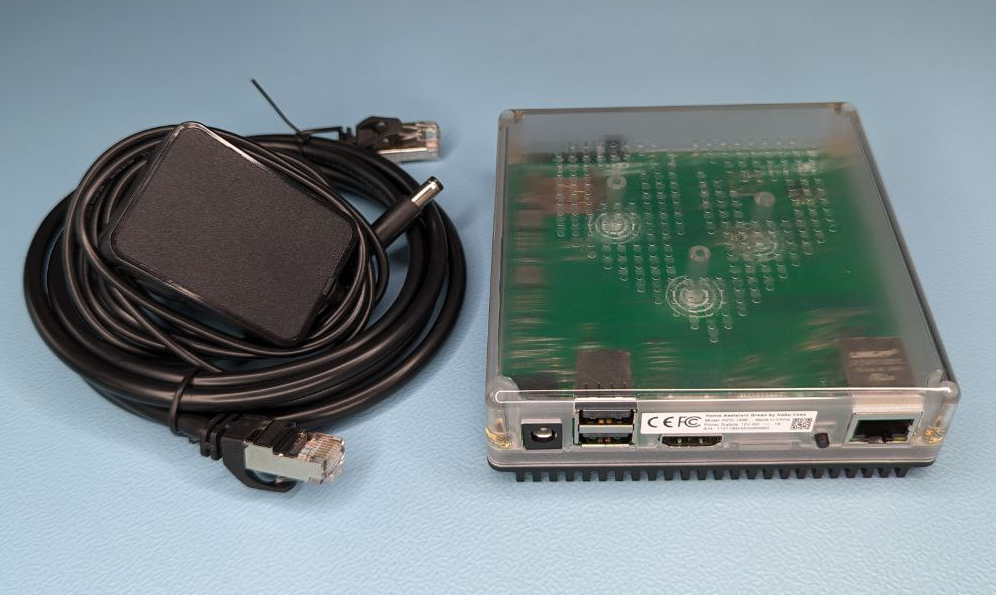
- Home Assistant Green with power and Ethernet cable
- Home Assistant Green has previously been set up, but was powered off temporarily
- You have your Home Assistant credentials
- If these conditions are not met, or this is your first time using Home Assistant Green, instead, follow the getting started procedure.
Starting up the system if it is still connected to Ethernet and power

- Press the power button.
- Once the yellow LED blinks in a heart beat pattern, the system is ready.
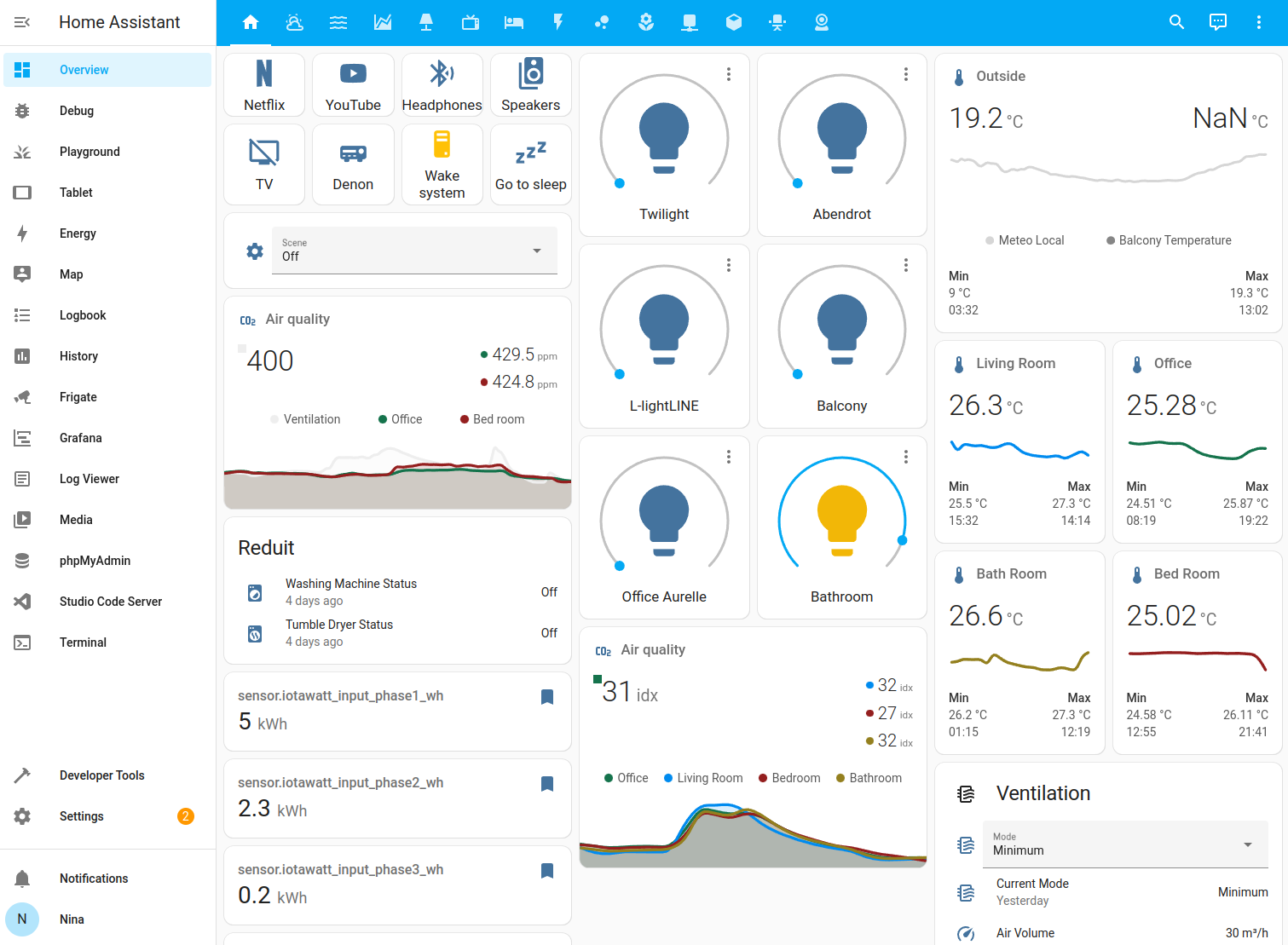
- Select your Home Assistant server:
-
Mobile: Confirm the IP address detected by the app. For example
http://192.168.1.196 -
Desktop: Visit http://homeassistant.local to access the Home Assistant user interface.
-
Info: If that address doesn't load, add
:8123to the end of either address. Home Assistant uses one of these two ports depending on how and when it was installed.
-
Starting up the system if it has been disconnected
Follow these steps if you want to start up the system after it has been powered off.
- Plug in your Ethernet cable and make sure it is locked into place.
- Connect the other end of the Ethernet cable to your router or switch.
- Connect the power to the electrical outlet and then to the Home Assistant Green.
- Select your Home Assistant server:
-
Mobile: Confirm the IP address detected by the app. For example
http://192.168.1.196. -
Desktop: Visit http://homeassistant.local to access the Home Assistant user interface.
-
Info: If that address doesn't load, add
:8123to the end of either address. Home Assistant uses one of these two ports depending on how and when it was installed.
-
Related topics
Edit this article on GitHub