Before you can use the features provided by Home Assistant Link, you have to enable Home Assistant Link in Home Assistant.
To enable Home Assistant Link
Step 1
Opening the Home Assistant Link page
-
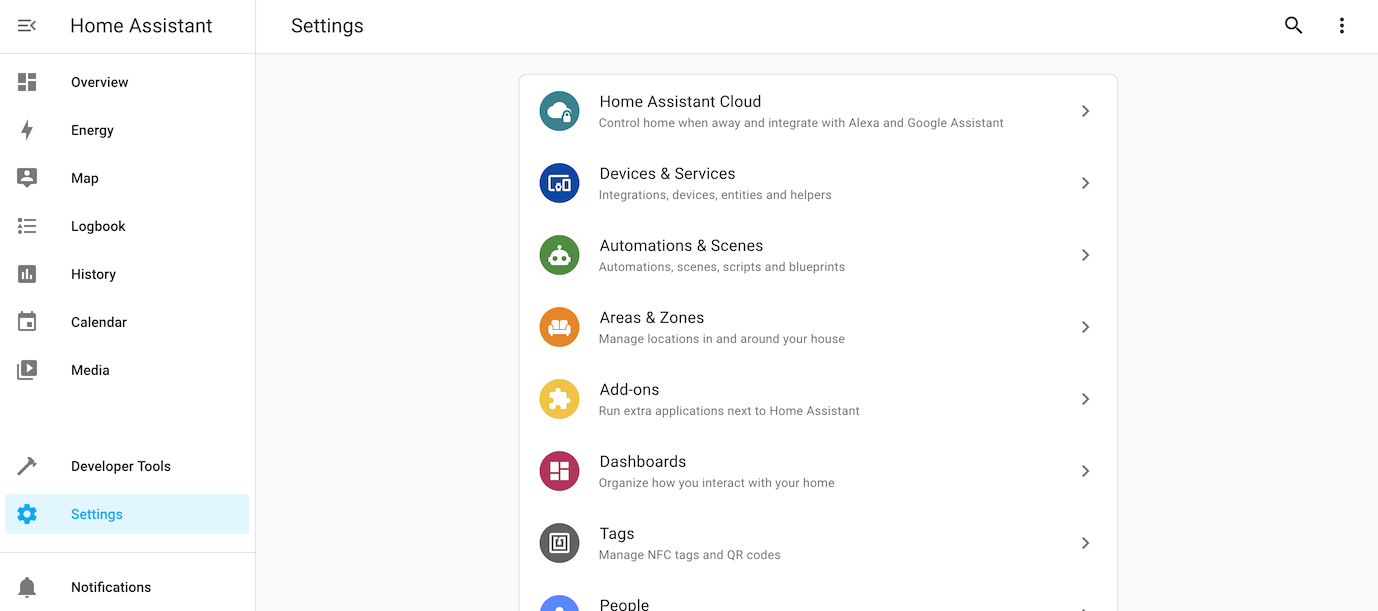
In Home Assistant, go to Settings > Home Assistant Link.
-
Troubleshooting: If you do not see Home Assistant Link under Settings, you might have removed the
default_configintegration from yourconfiguration.yaml. Addcloud:to theconfiguration.yamlfile.
# configuration.yaml entry to enable the cloud integration
cloud:
Step 2
Signing in to Home Assistant Link
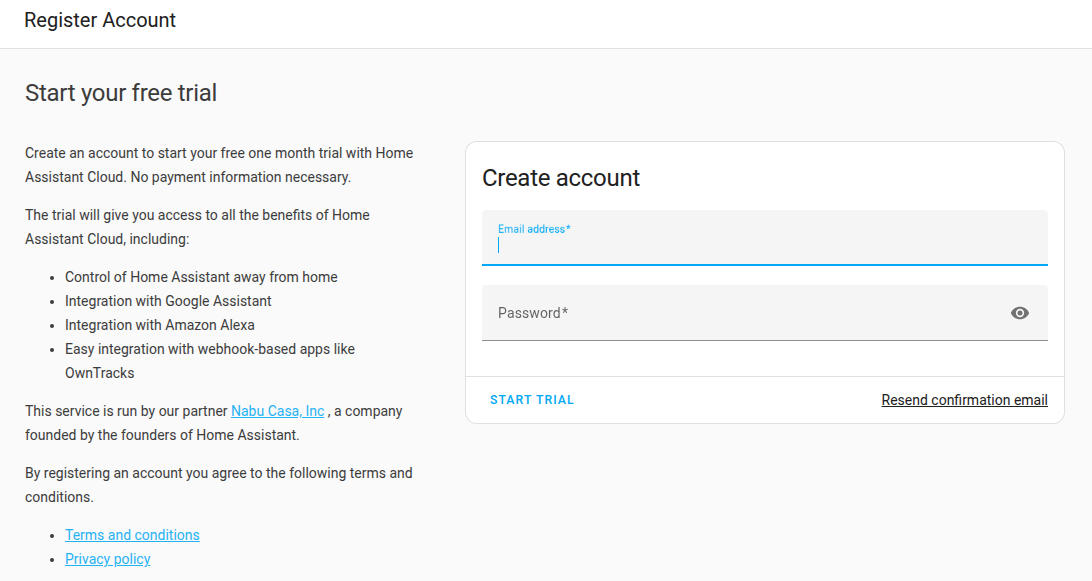
- If you already have an account, sign in.
- The account name is case-sensitive.
- If you do not have an account yet, start a trial:
- Select Start your free 1 month trial.
- To create an account, enter Email address and Password.
- Select Start trial.
Step 3
Connected to Home Assistant Link
-
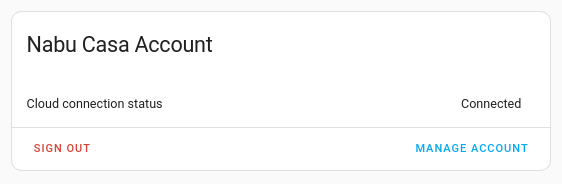
Under Settings > Home Assistant Link, you should now see that you are connected to Home Assistant Link.
-
That's it. You are ready to go with Home Assistant Link.
Related topics
Edit this article on GitHub