Once you have connected the device with Home Assistant, you can start talking to Assist.
Step 1
Talking to Home Assistant
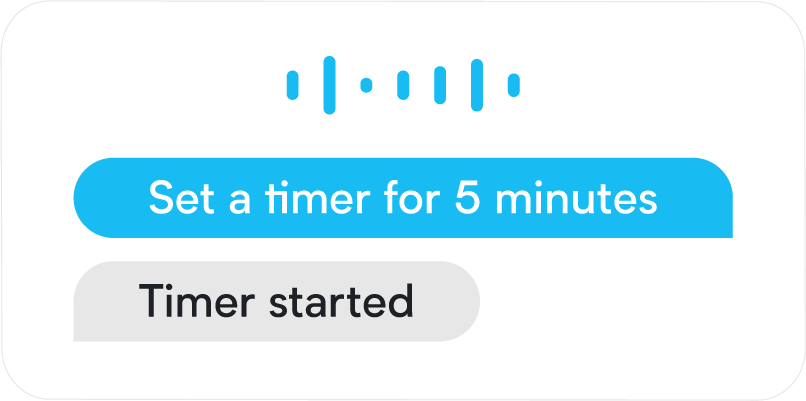
- Start controlling Home Assistant by saying a supported voice command:
- For example, “What's the time”, “Turn on the light in the living room”, “Set the timer to 5 minutes”, “Is the front door locked”.
- Make sure you’re using the area name exactly as you defined it in Home Assistant.
- Troubleshooting: Is the device you want to control via Assist (for example a specific light) not responding to your voice commands? Make sure the device is exposed to Assist.
- For example, “What's the time”, “Turn on the light in the living room”, “Set the timer to 5 minutes”, “Is the front door locked”.
Related topics
- Supported voice commands
- Exposing entities to Assist
- Automating on a button press
- Using the center button to stop the current process
- About Home Assistant Voice Preview Edition
Edit this article on GitHub