Prerequisites
- External speaker with 3.5 mm stereo audio connector
To connect an external speaker
Step 1
Connect your external speaker
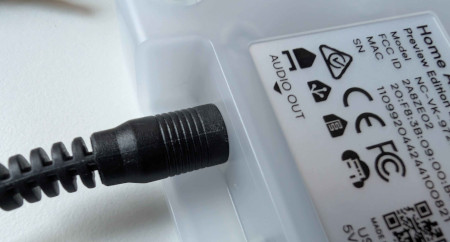
- Connect your external speaker to the audio jack on Home Assistant Voice Preview Edition.
Step 2
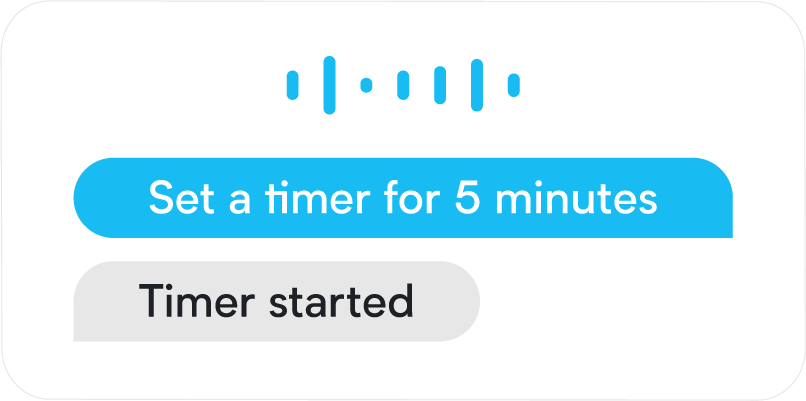
Play media or talk to Assist.
-
Troubleshooting:
- If you only hear one channel on your external speaker, the cable might not go all the way in due to a gap between the housing and the connector on the PCB.
- Try a different cable.
- If you only hear one channel on your external speaker, the cable might not go all the way in due to a gap between the housing and the connector on the PCB.
Related topics
- I plugged in an external speaker but I only hear one channel
- Change the volume
- Muting the device
- Turning the wake sound on or off
- Status colors
- Using Home Assistant Voice Preview Edition
- About Home Assistant Voice Preview Edition
Edit this article on GitHub