Plug a Connect ZWA-2 into the USB-A port of Home Assistant Connect AUX-2 to use its Z-Wave network over your network connection. Home Assistant discovers the adapter automatically. Connect AUX-2 supports Zigbee through a Connect ZBT-2 as an experimental feature. See Using a Connect ZBT-2 with Connect AUX-2. Connect ZBT-1 isn't currently supported. See Specifications.
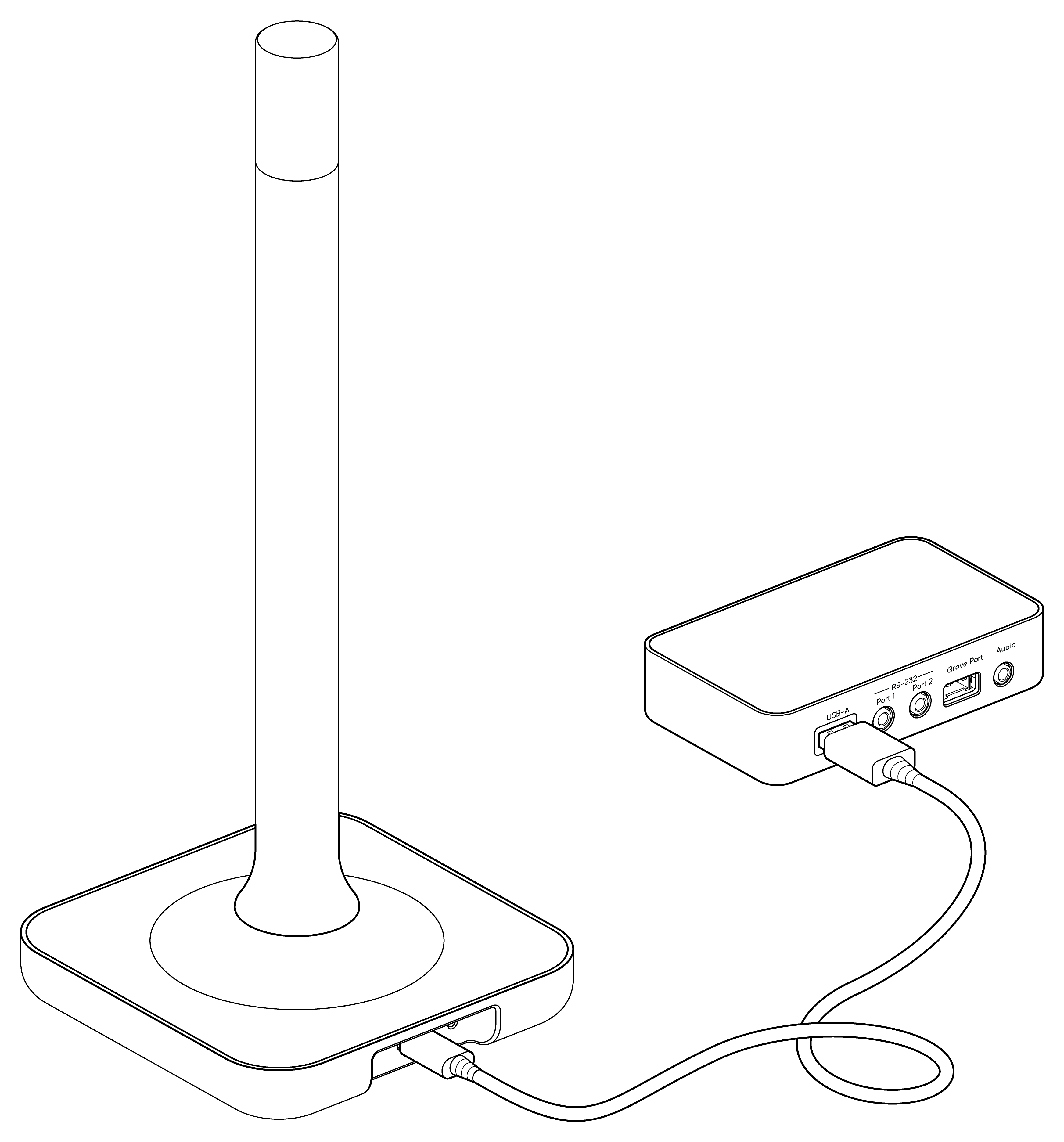
- Use one adapter at a time.
- A wired connection, over Ethernet or Power over Ethernet (PoE), is recommended for the most reliable radio link. See Power and network options.
To move your Connect ZWA-2 closer to your Z-Wave devices, follow the Connect AUX-2 Z-Wave guide.
Where your network data lives
Connect AUX-2 stores no Z-Wave network data. The network data lives on the Connect ZWA-2.
You can move a Connect ZWA-2, for example from your Home Assistant server to Connect AUX-2. Home Assistant picks up the change and migrates the adapter to its new location.
If Home Assistant doesn't detect the adapter, see Troubleshooting.
Edit this article on GitHub